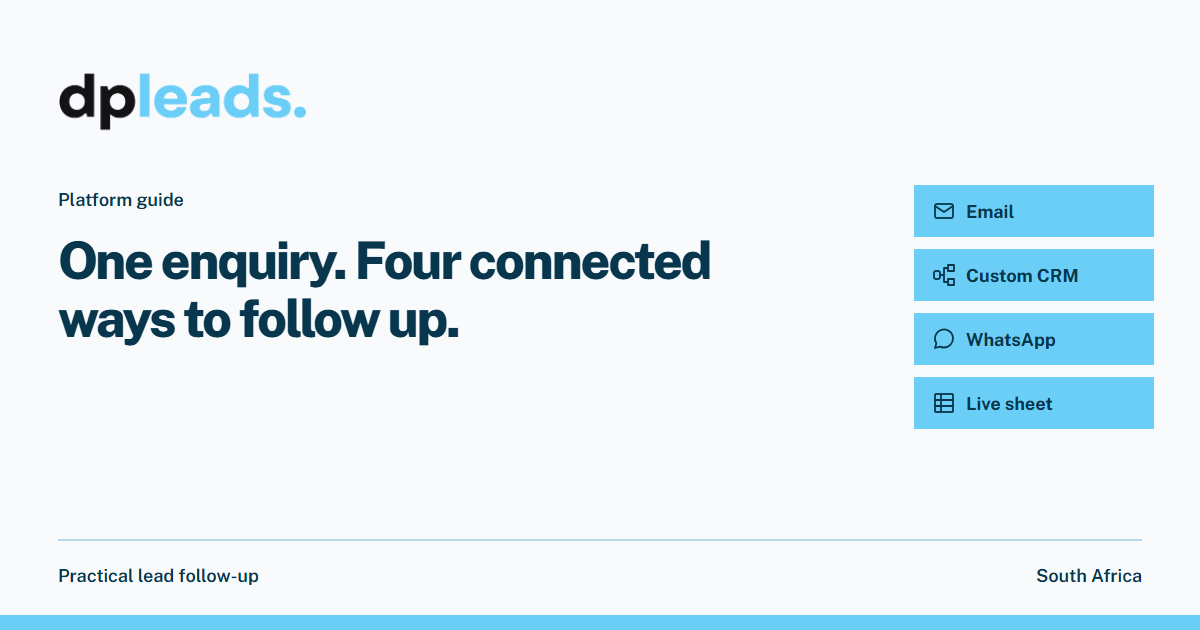
One enquiry. Four connected ways to follow up.
A lead is more than a name in a list. It is someone asking for help. The useful question is what happens between that enquiry arriving and a person on your team taking ownership.
Start with the next action, not another inbox
Before choosing a delivery channel, decide what your team should do with the enquiry. A property viewing request, a product brochure request and a quotation request need different information and different follow-up. Write down the next useful action for each campaign.
dpleads connects campaign capture, delivery, team routing and a working lead sheet. The channels serve different purposes: alert the business, acknowledge the customer, place information in the right sales system and keep the team’s progress visible. You can build the combination around your process.
Email can keep both sides informed
An email to the business can carry the submitted details so the team knows what was requested. An email to the person who enquired can acknowledge their request and provide useful information. The content and recipients are configured for the campaign.
Keep the customer message specific. If someone asked about a viewing, explain what the team will confirm next. If they asked for product information, provide the relevant information rather than sending a generic sales message. An acknowledgement does not replace a personal answer.
Give the CRM the fields the team actually needs
A custom CRM connection maps captured fields to the receiving system. For example, a campaign’s enquiry type may need to become an interest category in the CRM, while a salesperson needs the customer’s name, contact details and requested product.
Confirm the receiving system’s requirements before setting up the connection. Required fields, accepted values and authentication are different between systems. A custom connection is scoped for the destination; it is not a promise that every CRM works without configuration.
Use WhatsApp for a useful first reply
Managed WhatsApp messages are sent through Digital Platforms’ WhatsApp account. They can provide configured information such as a brochure or a link, with optional alerts to the sales team. The business does not need to supply its own WhatsApp account for this managed service.
Choose the reply to match the reason for the enquiry. Keep sender identity clear and avoid promising an appointment, price or availability that a person still needs to confirm. WhatsApp is one part of the follow-up plan, alongside email, CRM delivery and the live sheet.
Keep the working picture in the live sheet
The live sheet gives the team a shared view of captured leads. Filter columns, add notes and record read, contacted and converted outcomes. A downloadable Excel file is useful when a copy is needed, while the live view keeps the current working list in one place.
Agree on what each outcome means in your business. An automated reply is not the same as a conversation with a salesperson, and a contacted lead is not automatically a sale. Consistent notes make it easier to hand over work and review what happened.
Test one complete journey before scaling it
Start with an agreed test enquiry. Check the business notification, customer reply, CRM fields and sheet entry. Confirm who owns the next action and what happens when the usual salesperson is unavailable. Use fictional test details rather than a real customer’s personal information.
Once the team understands the journey, review actual campaign performance and follow-up outcomes together. The objective is a clear handover that people use consistently, not simply more notifications.
- Choose the enquiry type and next action.
- Confirm the channels, recipients and message content.
- Assign ownership and a backup person.
- Review the sheet’s notes and outcomes regularly.
Useful? Pass it on.
Share the guide with someone who handles your leads.