Managing sales team handover: bridging the gap from enquiry to response
One of the most common obstacles in lead generation is ensuring a fast and seamless handover from the first enquiry to a qualified response by your sales team. Without a clear workflow, leads can slip through the cracks, get contacted more than once, or stall before reaching the right person. In this article, we take a practical look at building a smooth handover process for businesses running modern South African lead campaigns, using connected platforms like dpleads to bridge the gap between marketing and sales.
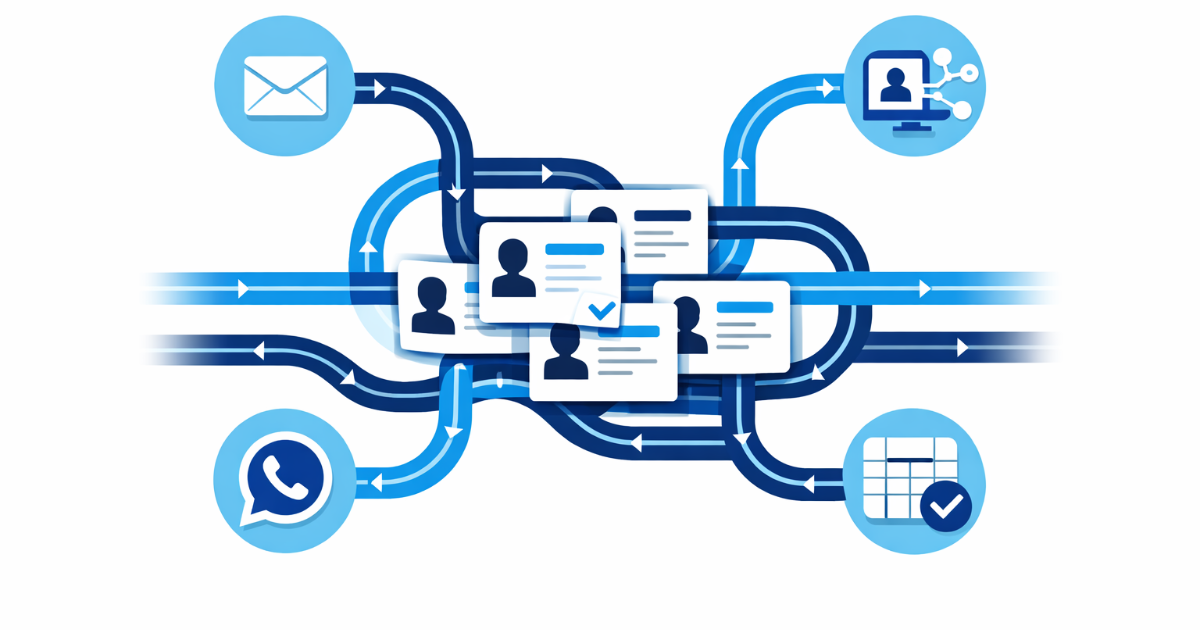
Pinpoint the handover moments
Every business should clearly identify where marketing efforts end and sales activities begin. This transition point is often murky, especially when leads originate via Facebook or Instagram campaigns, and need to be passed into the hands of one or more sales representatives. A practical starting point is to map each possible entry route (such as social form submissions or website enquiries) and pin down exactly when and how a rep takes ownership.
dpleads can help by capturing incoming enquiries from various channels and centralising them in a live lead sheet. Once the moment of handover is defined, the system can flag new leads and notify either the sales manager or the designated representative, so everyone is always sure who's next in line.
Avoid double handling and lost opportunities
Without a transparent, trackable process, there’s a real risk that more than one salesperson contacts the same prospect—or worse, that a hot lead never receives a reply. Giving all team members visibility is crucial. For example, in dpleads, each lead can be marked as read, contacted, or converted. This shared lead sheet allows every rep or manager to see which leads are awaiting a first contact, which are in progress, and which have been closed off, minimising duplicate effort and missed opportunities.
When assigning leads, features like round-robin routing or batch delivery make sure work is fairly distributed without guesswork. Hypothetically, if a dealership receives five test drive enquiries at once, dpleads could assign one lead to each available rep, ensuring fast and equal handling across the team.
- Maintain an up-to-date live sheet showing all lead statuses.
- Assign clear ownership for each lead as soon as it enters your funnel.
Integrate communications for faster follow-up
The time it takes to reach out to a new lead can often make the difference between winning a deal and losing interest. Integrating your social campaigns, email notifications, and even configured WhatsApp replies can close the gap between enquiry and response. For example, dpleads can notify a salesperson by email as soon as a Facebook or website form is submitted, and at the same time trigger a thank-you or initial brochure to the prospect via WhatsApp—if configured for your business.
These multi-channel touchpoints keep the customer informed and reassure them their enquiry is in good hands, while your team receives prompt alerts to move faster on the opportunity.
- Use automatic notifications to speed up your response time.
- Send confirmation emails or WhatsApp replies to keep leads engaged while waiting for a rep.
Keep a clear workflow with notes and tracking
Proper handover isn’t only about the first response—it’s just as important to log actions and updates, especially if several people might interact with a lead. Adding notes and marking lead statuses ensures that context is never lost, even if another team member needs to step in.
dpleads offers a centralised area to keep track of interactions, notes, and progress for each lead. Filtering and exporting options make it easier for managers to review activity and identify where leads are stalling, so you can improve your process over time.
- Log every call, email, or WhatsApp sent to each lead.
- Use filters to focus attention on new or uncontacted enquiries.
Prepare for CRM or platform handover
For businesses that work with a central CRM or use custom tools, the final step is to hand data over efficiently to the next stage system. While not universal or automatic with every CRM, dpleads allows leads to be delivered to a configured CRM if required, provided mappings and technical setups are in place. This avoids manual re-entry and keeps data flowing in sync between pipeline stages.
No matter your final system, ensure that handover includes all notes, status updates, and assignment details, so no history is lost during migration.
- Check your CRM setup for compatibility before automating integrations.
- Export live lead data to Excel or your chosen format as a backup.
Useful? Pass it on.
Share the guide with someone who handles your leads.